Running Moderne Prethink recipes on the Moderne Platform

Moderne Prethink recipes generate structured context that gives AI coding agents a clear, accurate understanding of your codebase. Instead of forcing AI agents to infer your architecture from raw code, Prethink provides pre-resolved knowledge about service endpoints, dependencies, test coverage, and more.

In this guide, we will walk you through everything you need to know to get started with them in the Moderne Platform.

tip

For a deeper understanding of what Moderne Prethink is and how it works, see our Moderne Prethink recipes documentation.

Prerequisites

This doc assumes that you are familiar with finding and running recipes in the Moderne Platform.

Prethink recipes

There are two key Prethink recipes in the Moderne Platform:

Two Prethink recipes listed: Update Prethink context with AI and without AI
Prethink recipes

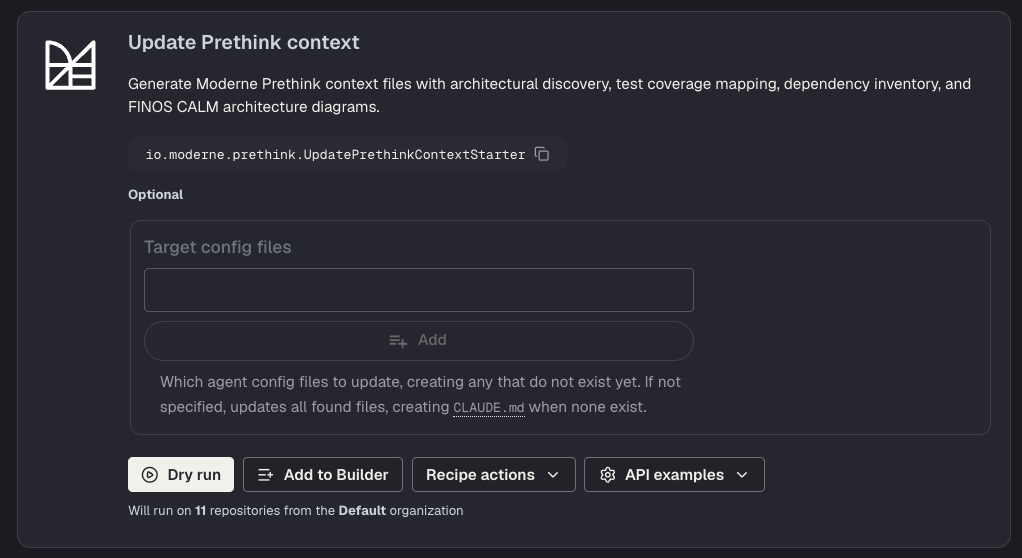
Update Prethink context (with AI)

Link to the recipe

This recipe generates comprehensive context files - including AI-powered code comprehension, test coverage mapping, dependency inventory, and FINOS CALM architecture diagrams.

If you want the richest possible context about your code, use this recipe.

note

This recipe requires configuring an LLM provider (OpenAI, Gemini, or Poolside) to generate code descriptions and test summaries.

Update Prethink context (no AI)

Link to the recipe

This recipe generates context without requiring an LLM provider. It will discover architectural patterns, map tests to implementation methods, generate dependency inventory, and create CALM architecture diagrams - without using AI.

Use this for a quick start or when AI comprehension isn't needed.

Example results

Generated CLAUDE.md file diff showing Prethink context with repository summary
A CLAUDE.md file summarizing the repo.

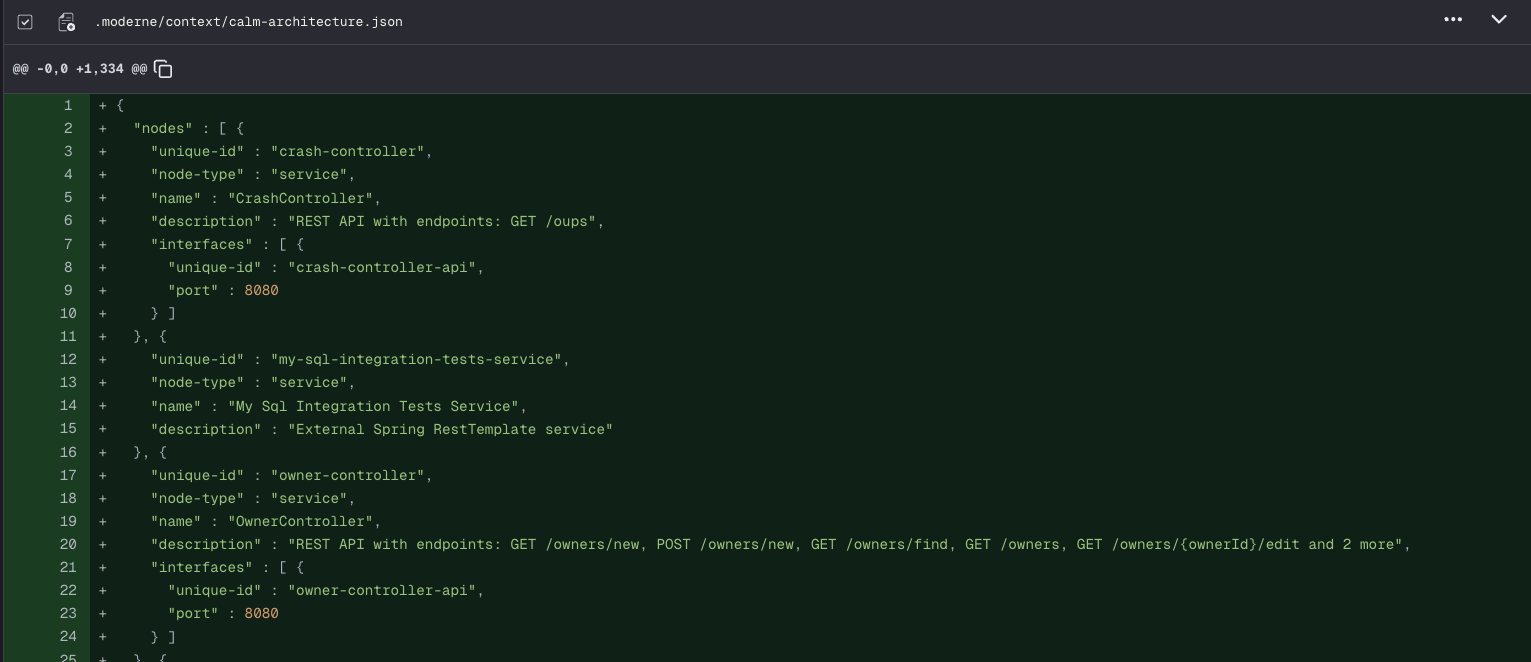
Diff of a generated CALM architecture JSON file describing service nodes and endpoints
A CALM architecture file to describe the service.

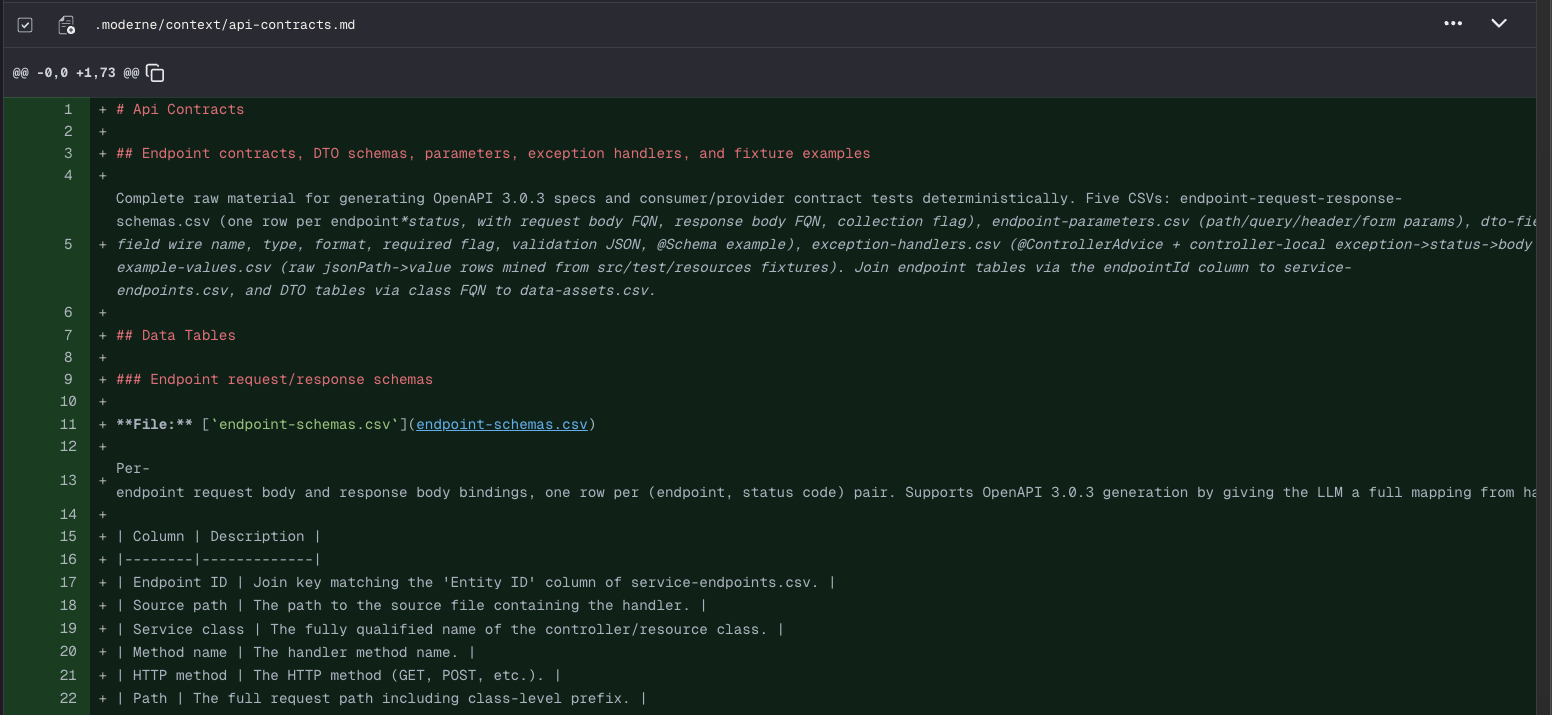
Generated deployment artifacts CSV and server configuration files in the diff view
Artifact and server configuration files.

Visualizations

In addition to generating context files, Prethink recipes produce a suite of code quality visualizations. You can find these in the Visualizations tab after a recipe run completes. For general information on how to view visualizations, see the visualizations guide.
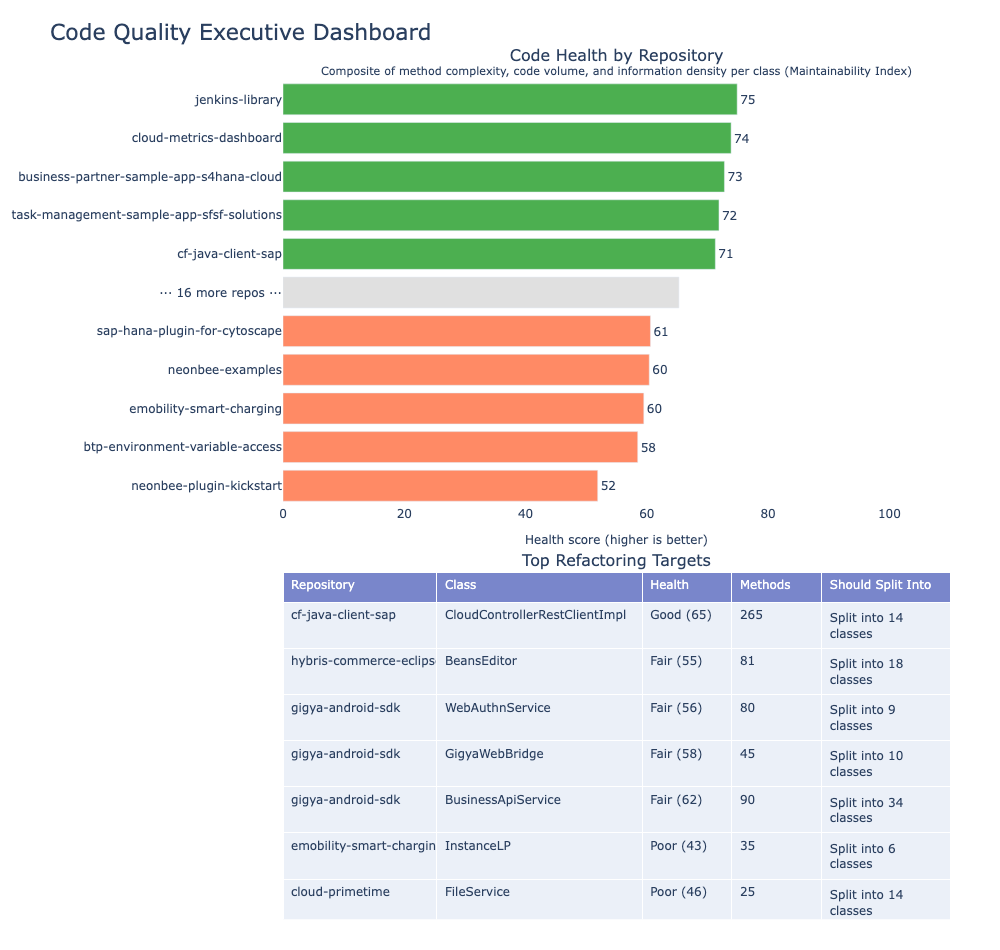
Code quality executive dashboard showing code health by repository and top refactoring targets
Code quality executive dashboard combining health scores, smell severity, and top refactoring targets.

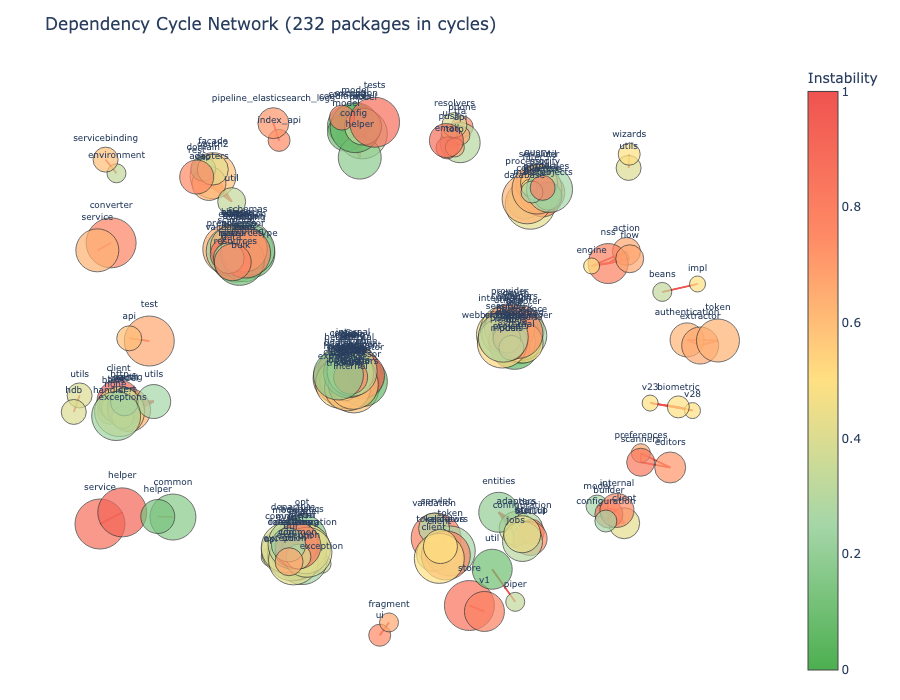
Network graph showing clusters of packages involved in dependency cycles
Package dependency cycle graph highlighting packages involved in cycles.

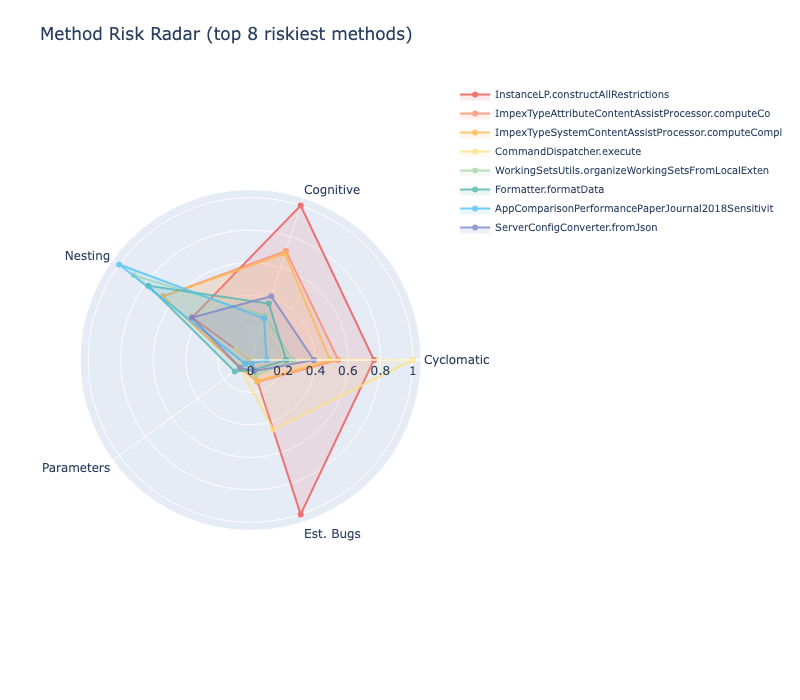
Radar chart showing the top 8 riskiest methods across five quality dimensions
Method risk radar profiling the riskiest methods across complexity, nesting, and other dimensions.

For the full list of Prethink visualizations, see the visualization examples.

Committing the results

Once you're satisfied with the generated context, commit the changes to your repositories.

Next steps