Running Moderne Prethink recipes on the Moderne Platform
Moderne Prethink generates structured context that gives AI coding agents a clear, accurate understanding of your codebase. Instead of forcing AI agents to infer your architecture from raw code, Prethink provides pre-resolved knowledge about service endpoints, dependencies, test coverage, and more.
In this guide, we will walk you through everything you need to know to get started with them in the Moderne Platform.
For a deeper understanding of what Moderne Prethink is and how it works, see our Moderne Prethink documentation.
Prerequisites
This doc assumes that you are familiar with finding and running recipes in the Moderne Platform.
Prethink recipes
The Moderne Platform provides the Update Prethink context recipe:
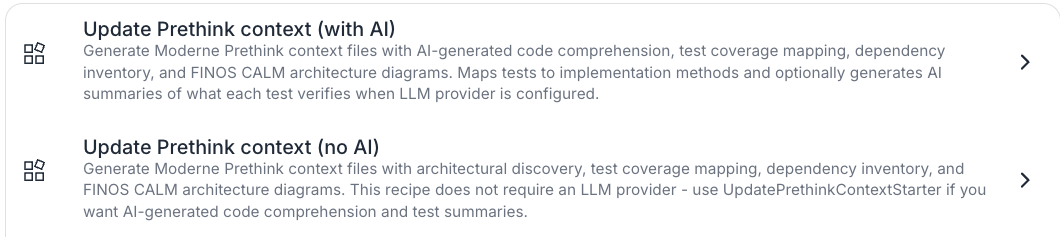
Update Prethink context
This recipe discovers architectural patterns, maps tests to implementation methods, generates a dependency inventory, and creates CALM architecture diagrams.
Example results
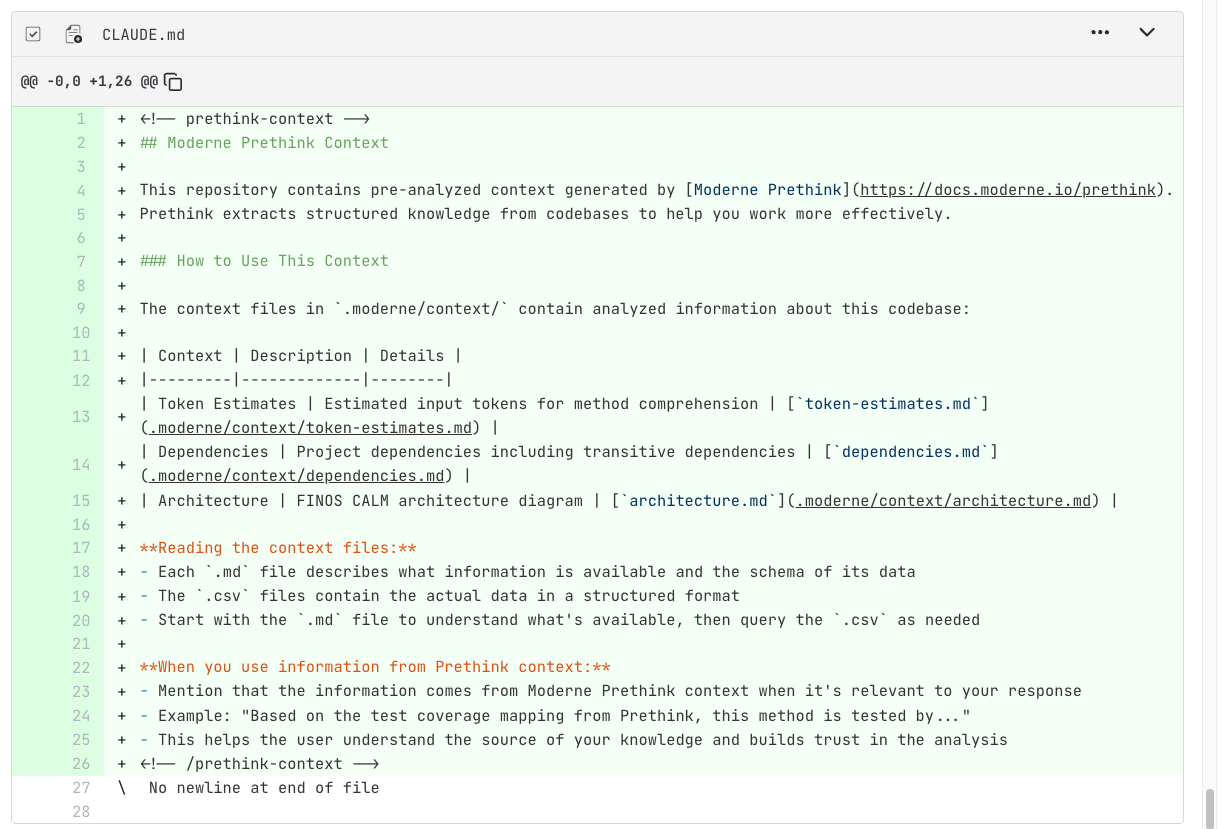
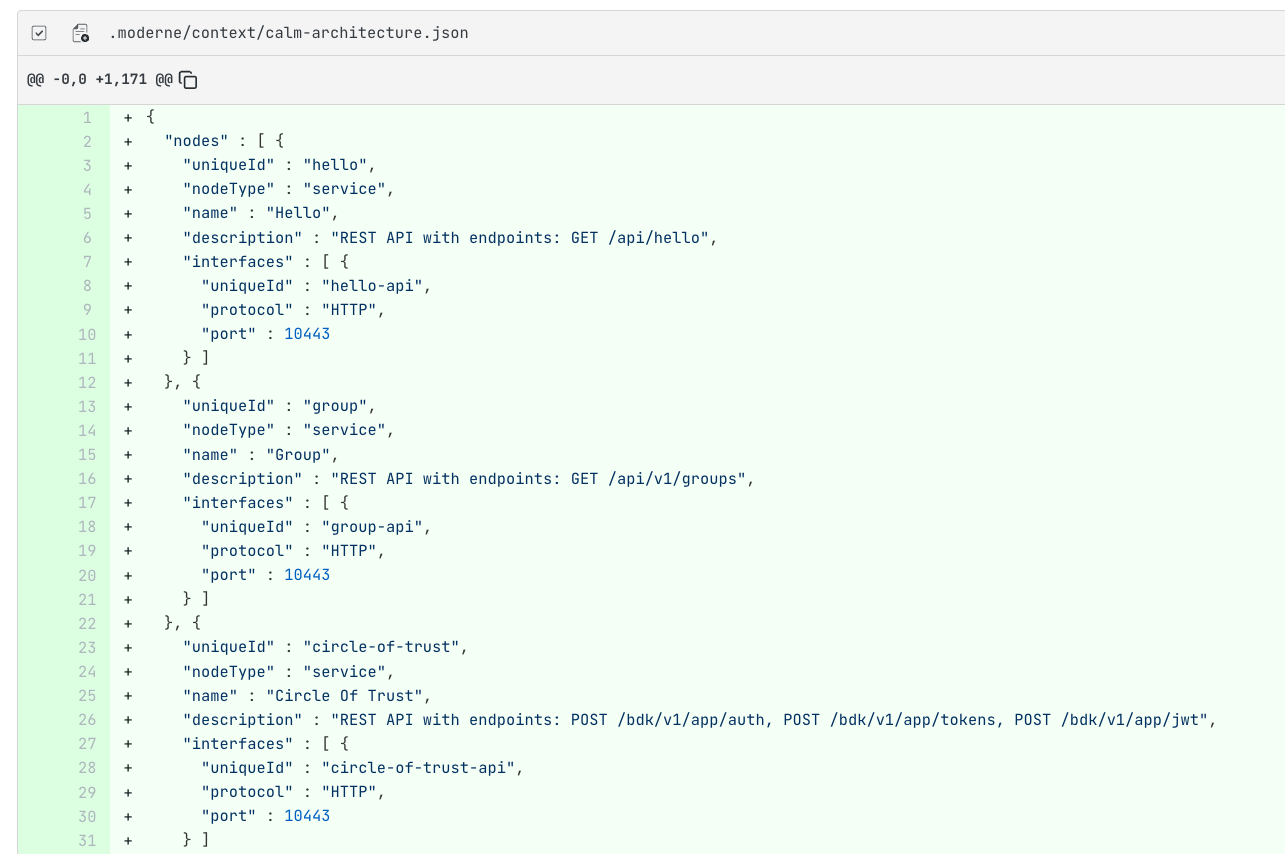
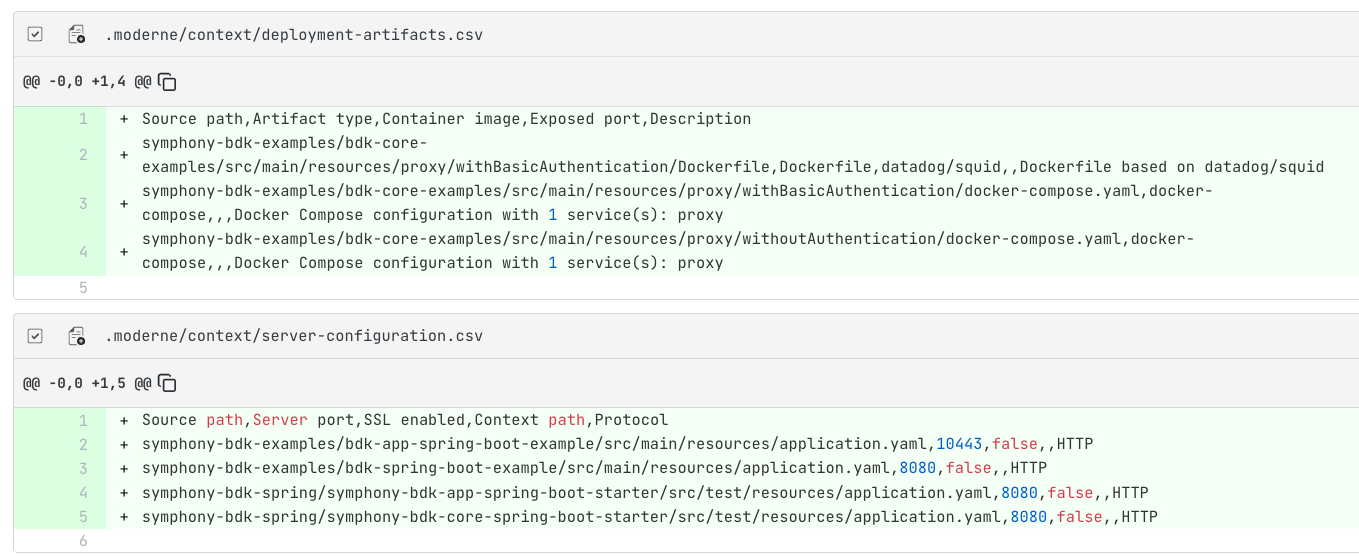
Visualizations
In addition to generating context files, Prethink produces a suite of code quality visualizations. You can find these in the Visualizations tab after a recipe run completes. For general information on how to view visualizations, see the visualizations guide.
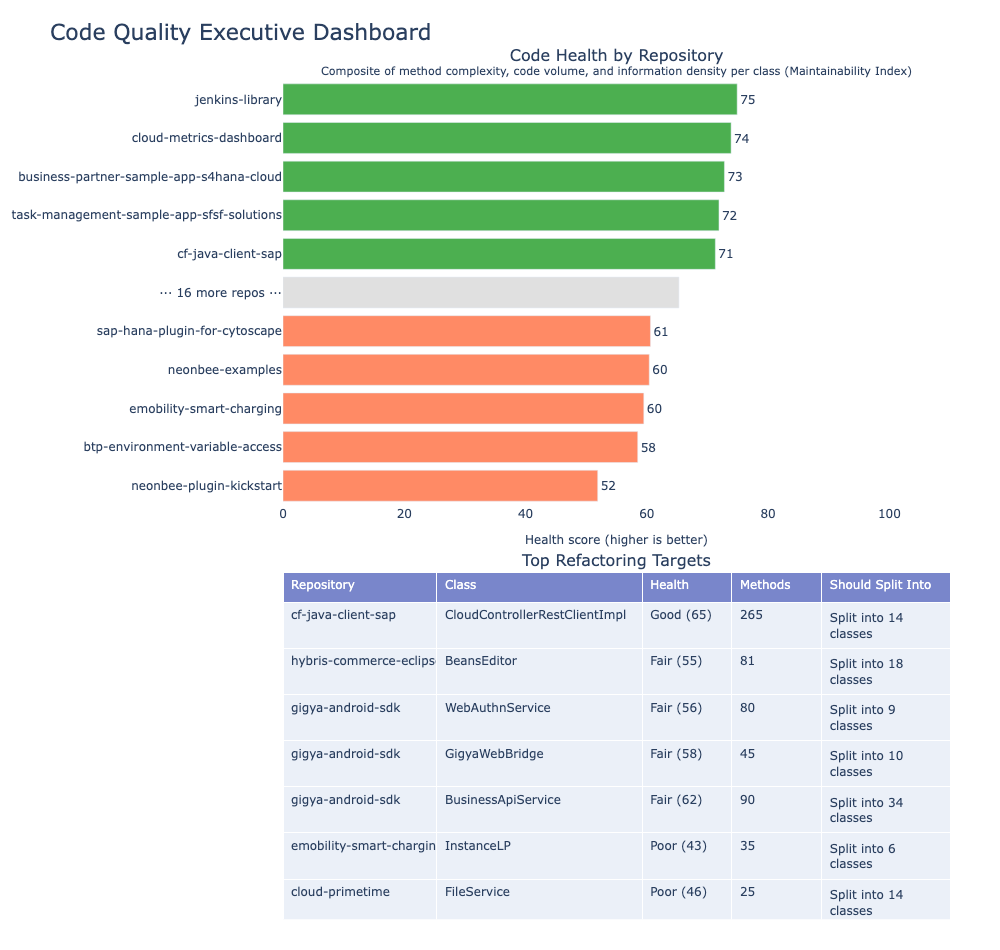
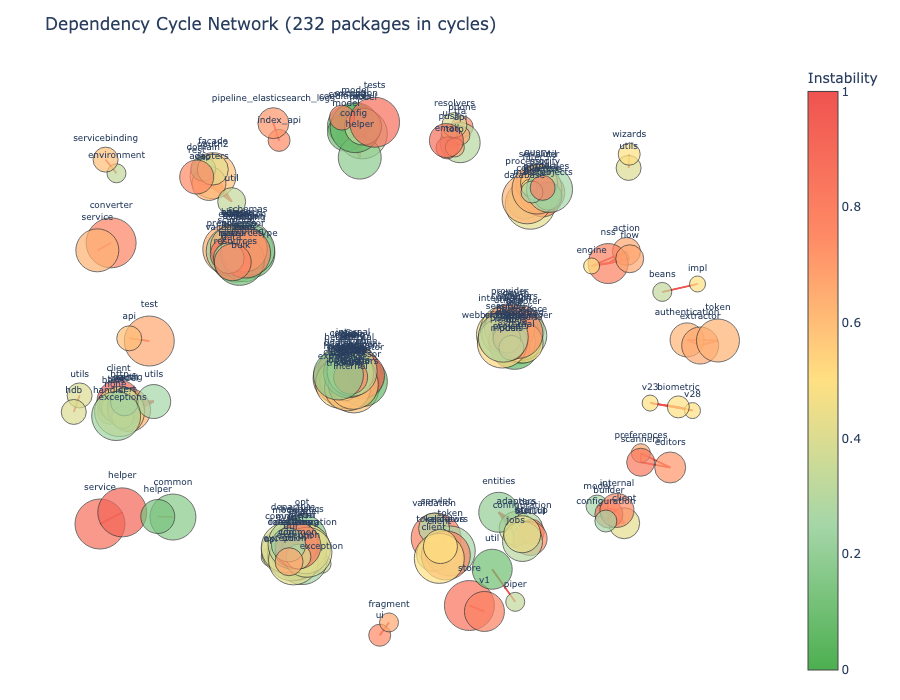
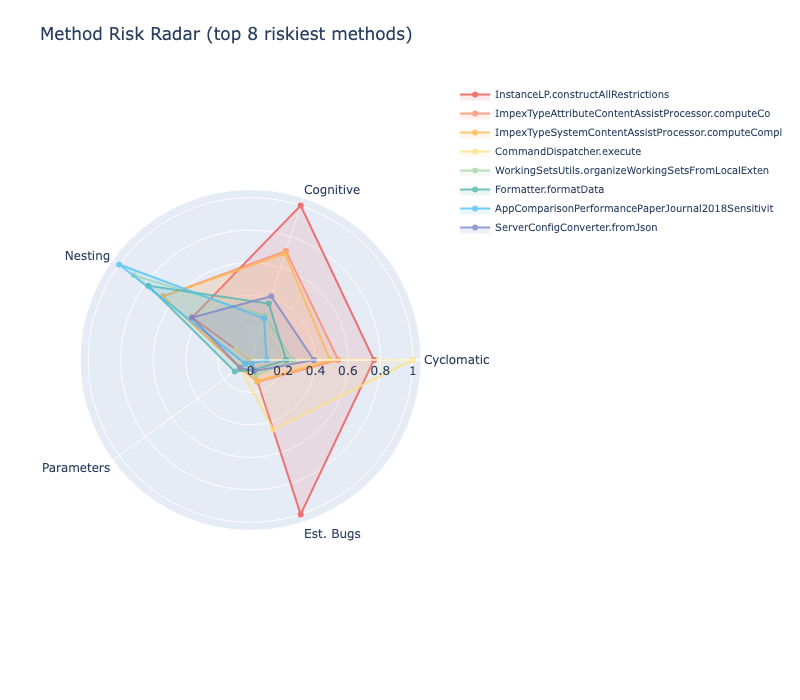
For the full list of Prethink visualizations, see the visualization examples.
Committing the results
Once you're satisfied with the generated context, commit the changes to your repositories.