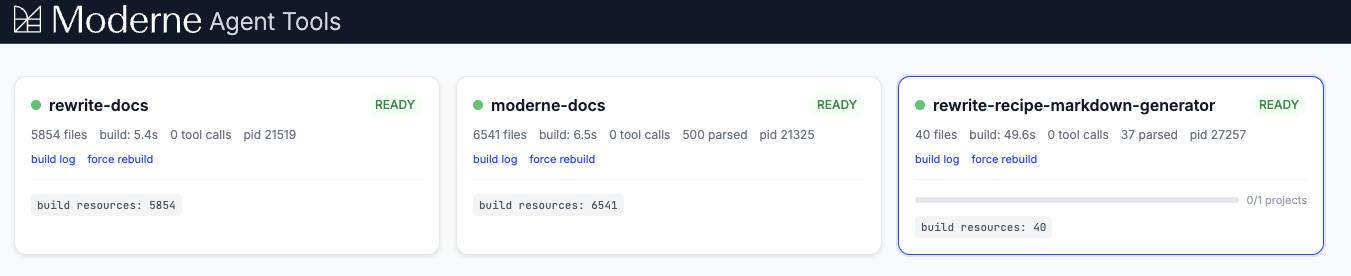
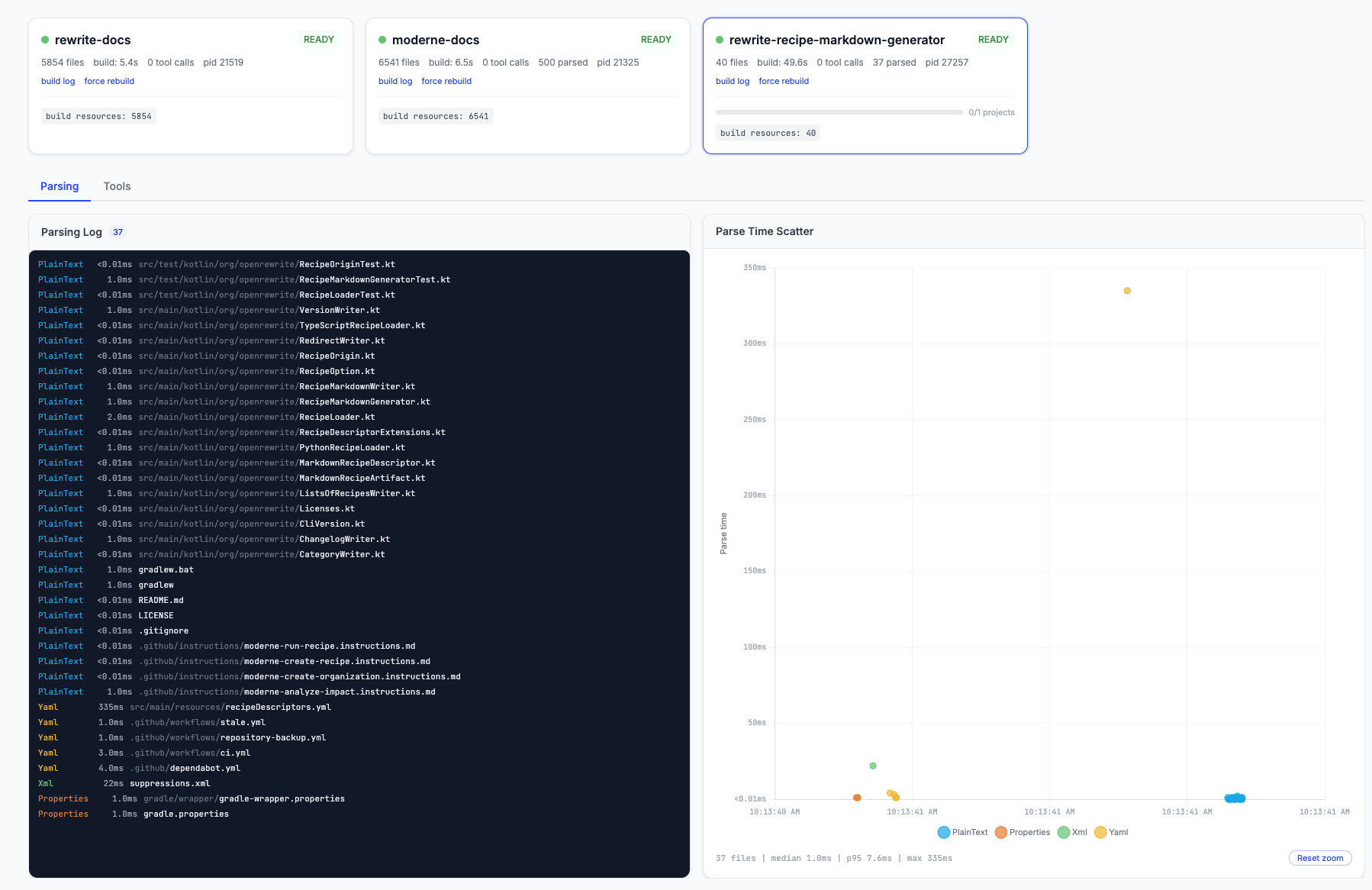
Tool browser
Experimental
The tool browser is part of the local MCP server, which is experimental. See the MCP server overview for what may change.
The Moderne CLI includes an optional tool browser, a browser-based dashboard for monitoring LST builds and exploring available tools. To enable it:
mod config features agent-tools tray --enabled
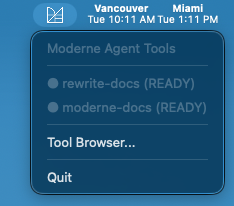
Once enabled, the MCP server launches a system tray icon when an agent starts. Click it to see the status of your projects, then click Tool Browser... to open the dashboard.
The dashboard shows:
- Project cards with build status, file counts, and tool call metrics
- Build logs with parse timing details
- Tool execution for testing tools directly from the browser